
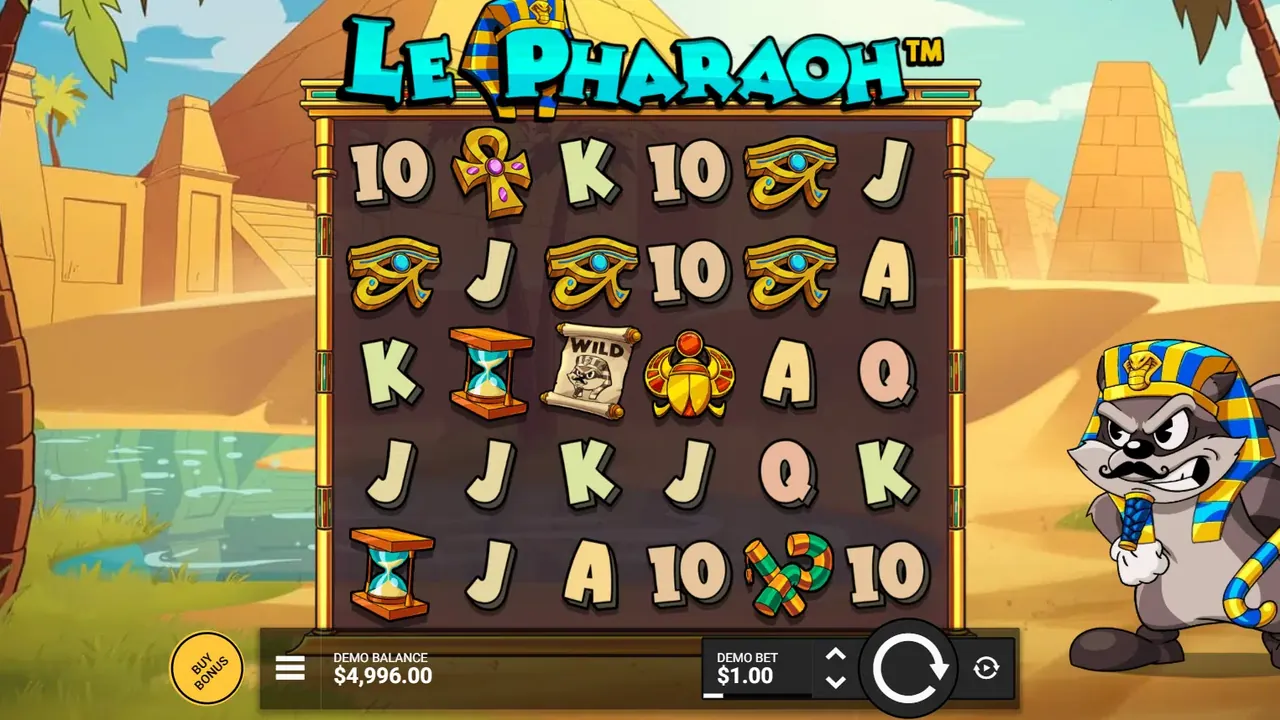
First things firstReload the page, then press the play button once and wait ten seconds. Most hiccups end there.
A blank or black window
- Pause ad blockers and privacy extensions for this site — the game window comes from another domain and often gets caught.
- Allow third-party cookies or add an exception for this site.
- Try a private window. If it works there, an extension is the cause.
- Update the browser. Recent Chrome, Safari, Firefox and Edge all run the game.
Loading never finishes
The first start downloads the art and sound. On a weak connection give it up to a minute. Switching between Wi-Fi and mobile data, or closing video tabs, usually helps.
No sound
- Tap inside the game once — browsers keep sound muted until you interact.
- Check the sound button in the game menu and your phone's silent switch.
Fullscreen and phones
- Use the fullscreen icon in the top-right corner of the game window.
- On iPhone, Safari may keep the address bar; turning the phone sideways gives the grid more room.
- Close the demo with the ✕ icon when you're done — it frees memory on older phones.
"Not available in your region"
Some demos are blocked in certain countries. A message like this comes from the game server, not from this site. The real game at a licensed casino in your country may still work.
Still stuck?
Tell us your device, browser and what you see on the contact page, and we'll look into it.